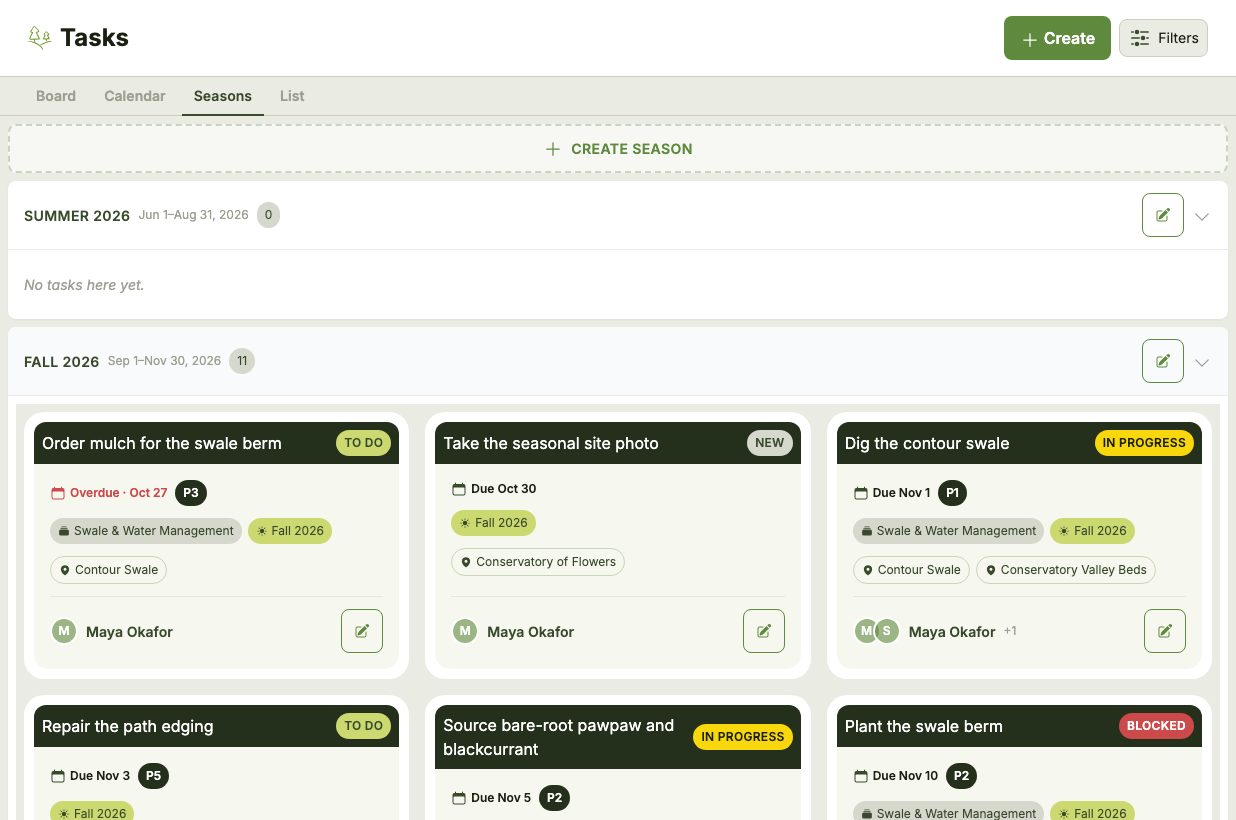
As the work on your land grows, Projects and Seasons help keep it organized. Both belong to a single Map, and a Task can have one of each — for example, a Task in the "Establish the orchard guild" Project scheduled for "Spring 2027".
Projects
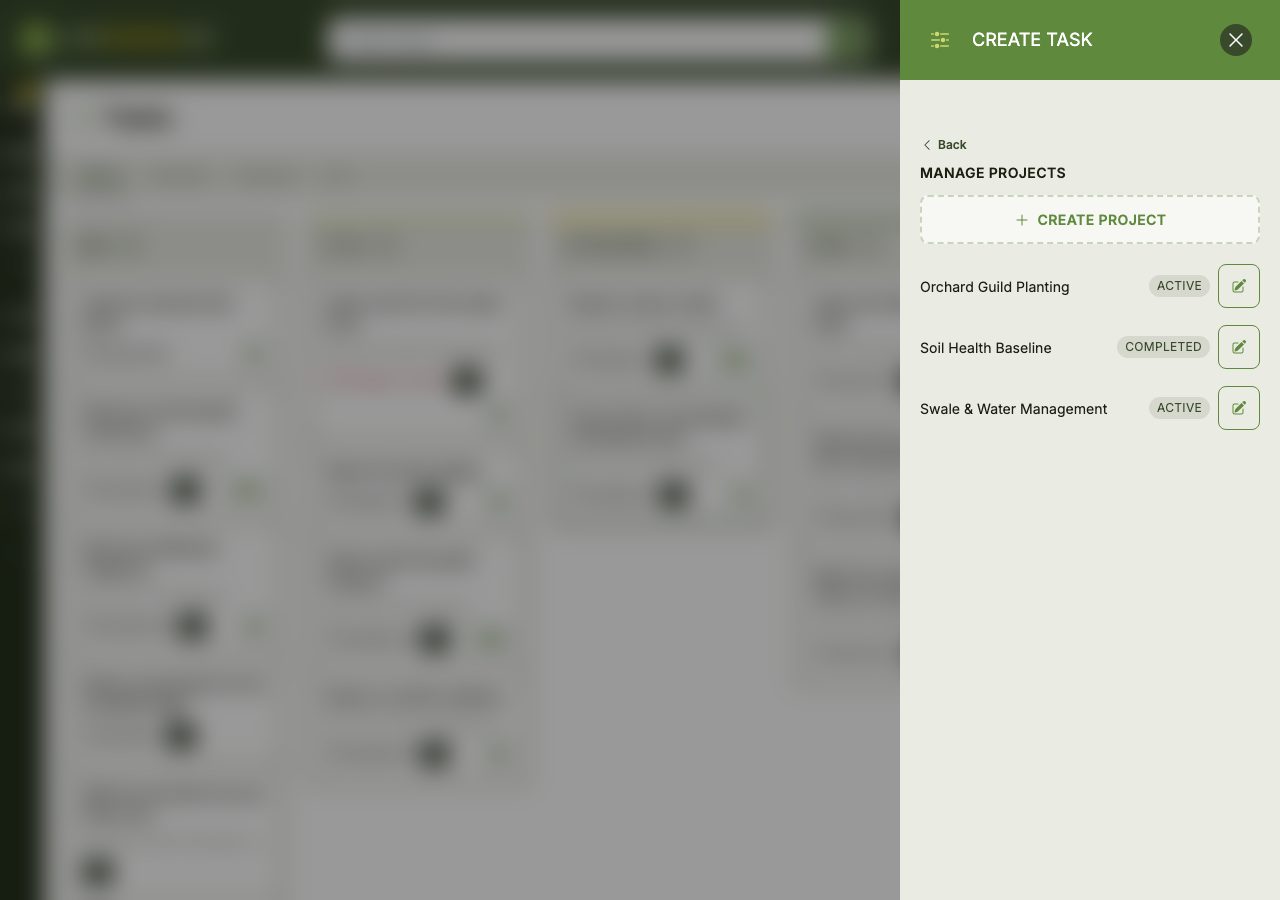
A Project groups related Tasks that work toward the same goal, such as building a pond, establishing a food forest or putting up a greenhouse. Each Project has a name, an optional description and target date, and a status of Active, Completed or Archived.
Projects are managed from the Task form: click Manage Projects under the Project field to create a new Project or edit an existing one, then pick it for the Task.
Seasons
A Season is a named date range, such as "Spring 2027" or "Fall Planting", for planning work over a longer horizon. Land work tends to follow the seasons rather than exact dates, so Seasons let you schedule Tasks loosely and firm up the dates closer to the time.
Open the Seasons tab and click Create Season to add one, giving it a name, start and end dates and any notes. Click the edit button on a Season to change it.