
It can be a little overwhelming using LiveStacks.co with detailed information for over 6,000 plants, as well as a growing number of public Stacks and Maps.
Favorites are an easy and effective way to quickly access Plants, Stacks and Maps you've found relevant or useful for your specific needs.
Clicking the Favorite button on a particular Plant, Stack or Map will save that item as a Favorite.
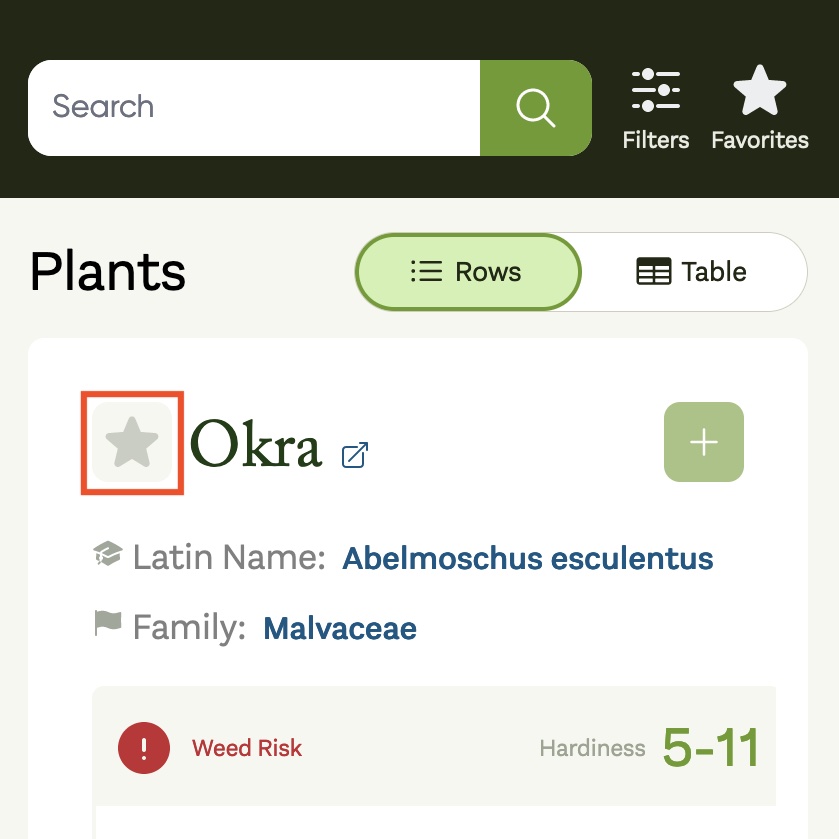
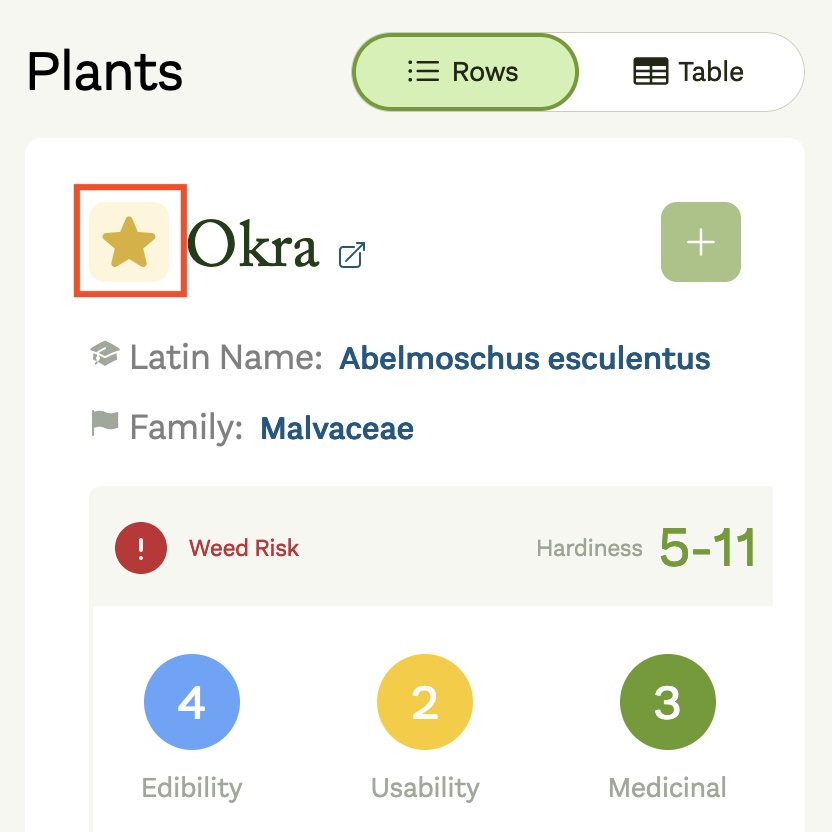
When a Plant, Stack or Map is added as a Favorite it will change color:
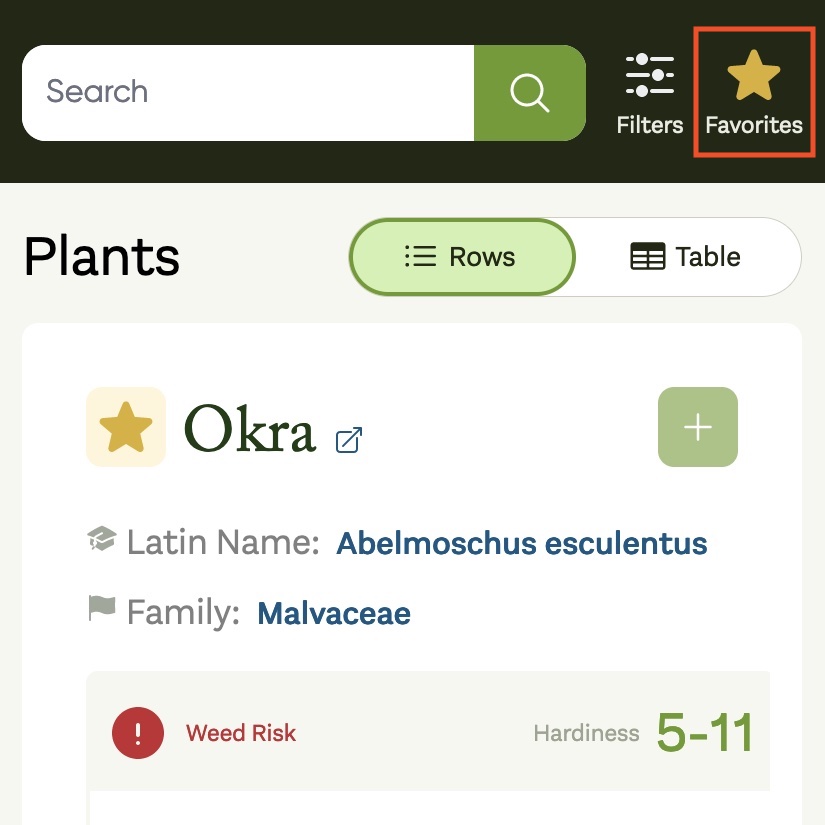
In order to view your Favorites you can simply click the Favorites filter button in the top-right corner. This will restrict results to Plants, Stacks or Maps you have favorited, and can be clicked again to disable the filter.
Important
Favorites can be used together with your other filters, so you can continue to refine your list of Favorites as needed.However, if other filters are applied when toggling Favorites you may not get the results you are expecting and think your Favorites are gone when they are only being filtered. Favorites are shown across every section at once (such as My Stacks, On This Map and Public Stacks), and any active filters apply to each section independently — so a Favorite may simply be filtered out of one section rather than missing.